Hiseeu 2K Smart Home Security Cam
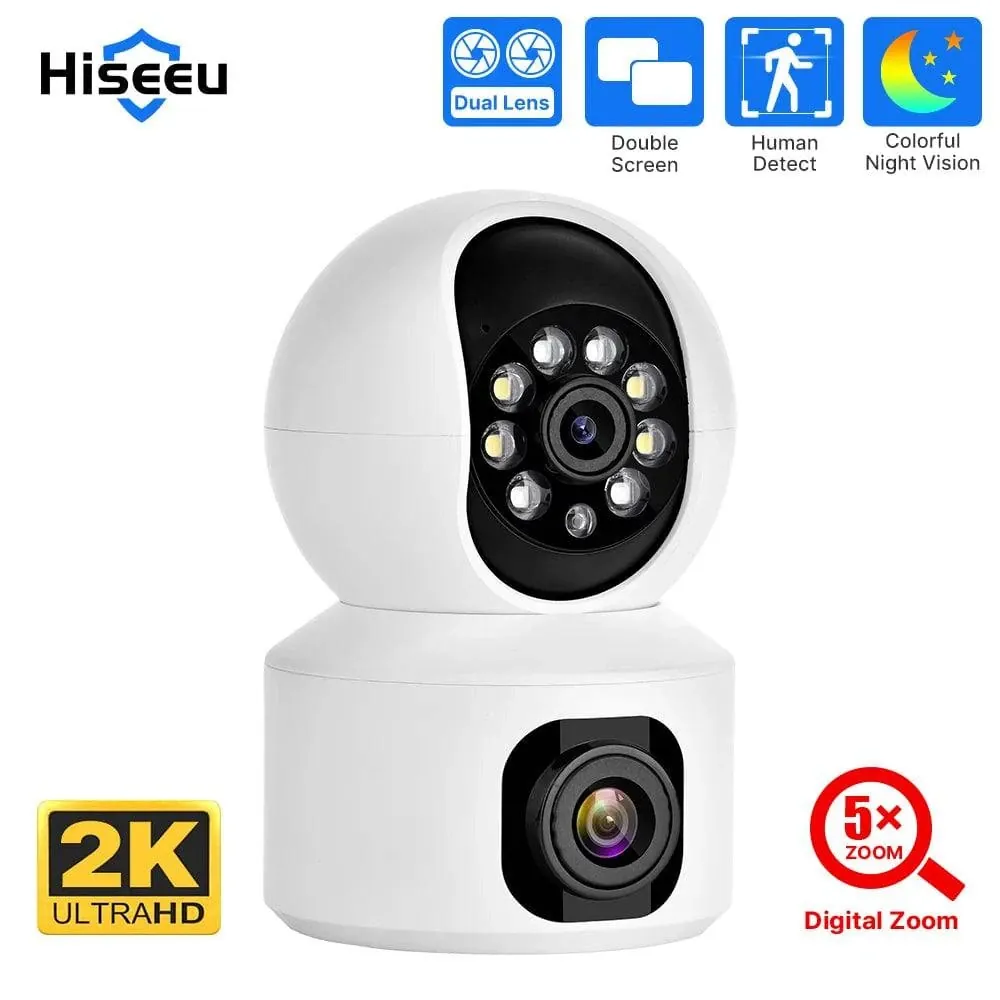
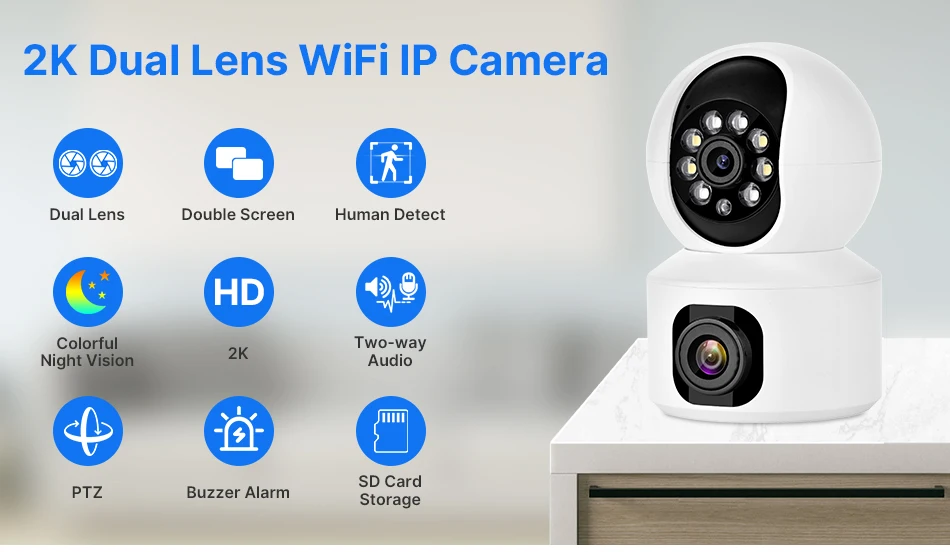
Hiseeu 2K Smart Home Security Cam 4MP PTZ IP Camera WIFI Wireless Smart Home Security Surveillance Camera Two-way Audio Indoor Baby Pet Monitor Camera
SPECIFICATIONS
Brand Name: Hiseeu
Origin: Mainland China
High Definition: 5.0 Megapixels
Hign-concerned Chemical: None
Supported Operating Systems: Windows 7
Supported Operating Systems: Windows 98
Supported Operating Systems: Windows 8
Supported Operating Systems: Windows XP
Lens (mm): 3.6mm
Style: Dome Camera
Connectivity: WIFI
Installation: Ceiling
Minimum Illumination(Lux): 0.4LUX/F2.0
Scene: Indoor
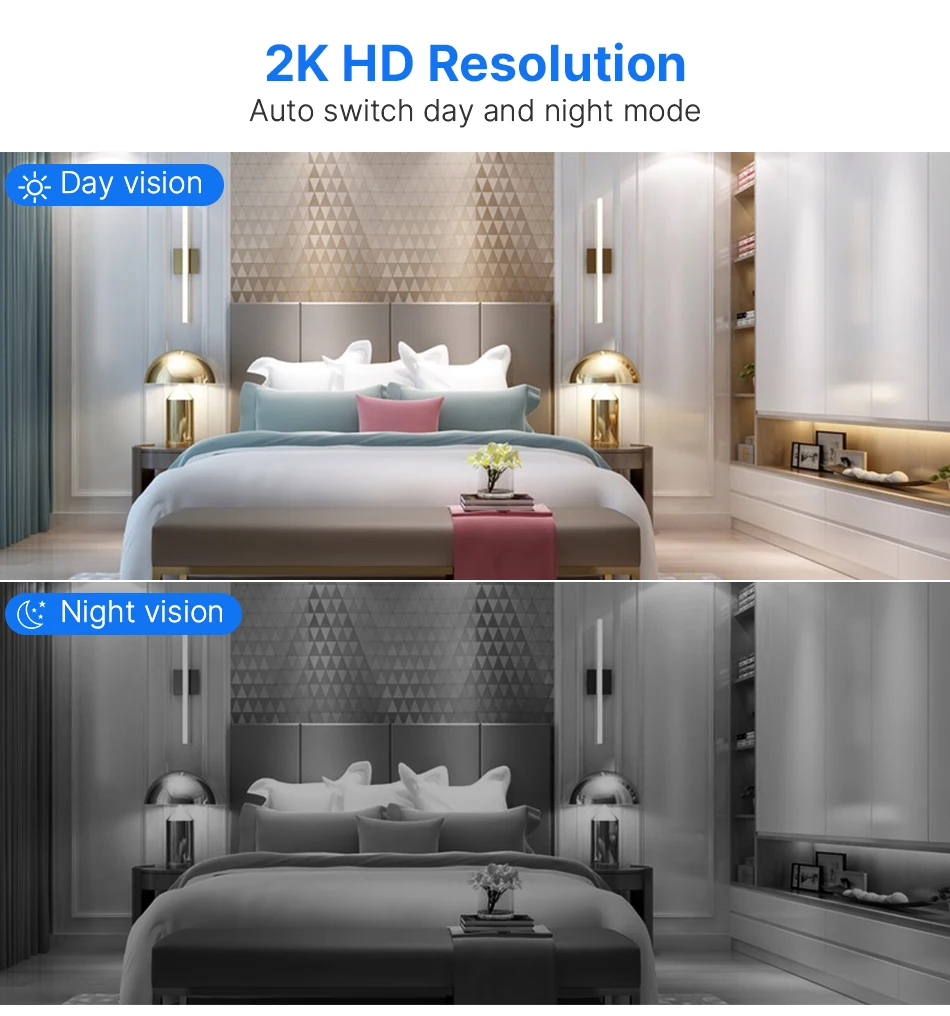
Color Night Vision: YES
Megapixels: 4MP
Storage: None

Video Compression Format: H.264
IR Distance(m): 10M
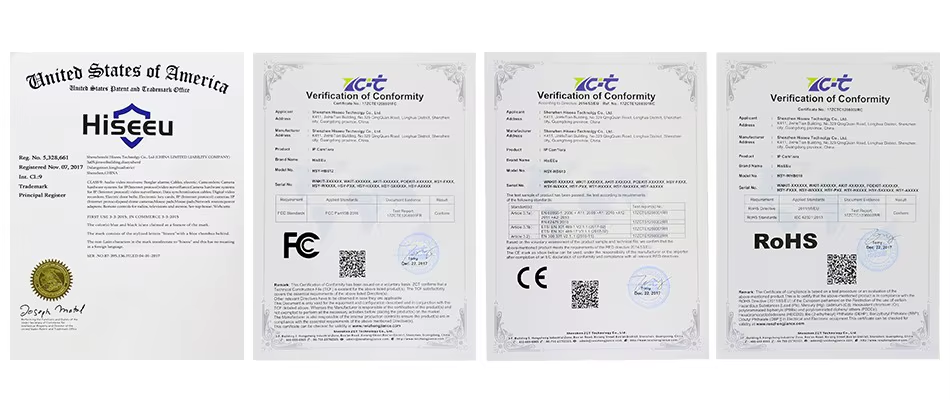
Certification: CE
Certification: FCC
Dimensions (L x W x D)(mm): 140mm x 120mm x 140MM (L*W*H)
Color: WHITE
Power Mode: Mains Electricity
Alarm Action: Local Alarm
Alarm Action: Email Photo
is_customized: Yes
Model Number: FH1A/FH1C/FH1D
Supported Mobile Systems: Android
Supported Mobile Systems: IOS
Smart home platform: other
Smart home platform: Alexa
AI Functions: Motion Detection
IP Rating: IP66
Special Features: Waterproof / Weatherproof
App name: other
TF Card: None
Digital Zoom: other
Power Supply(V): 5v2A
Rechargeable Battery Capability: other
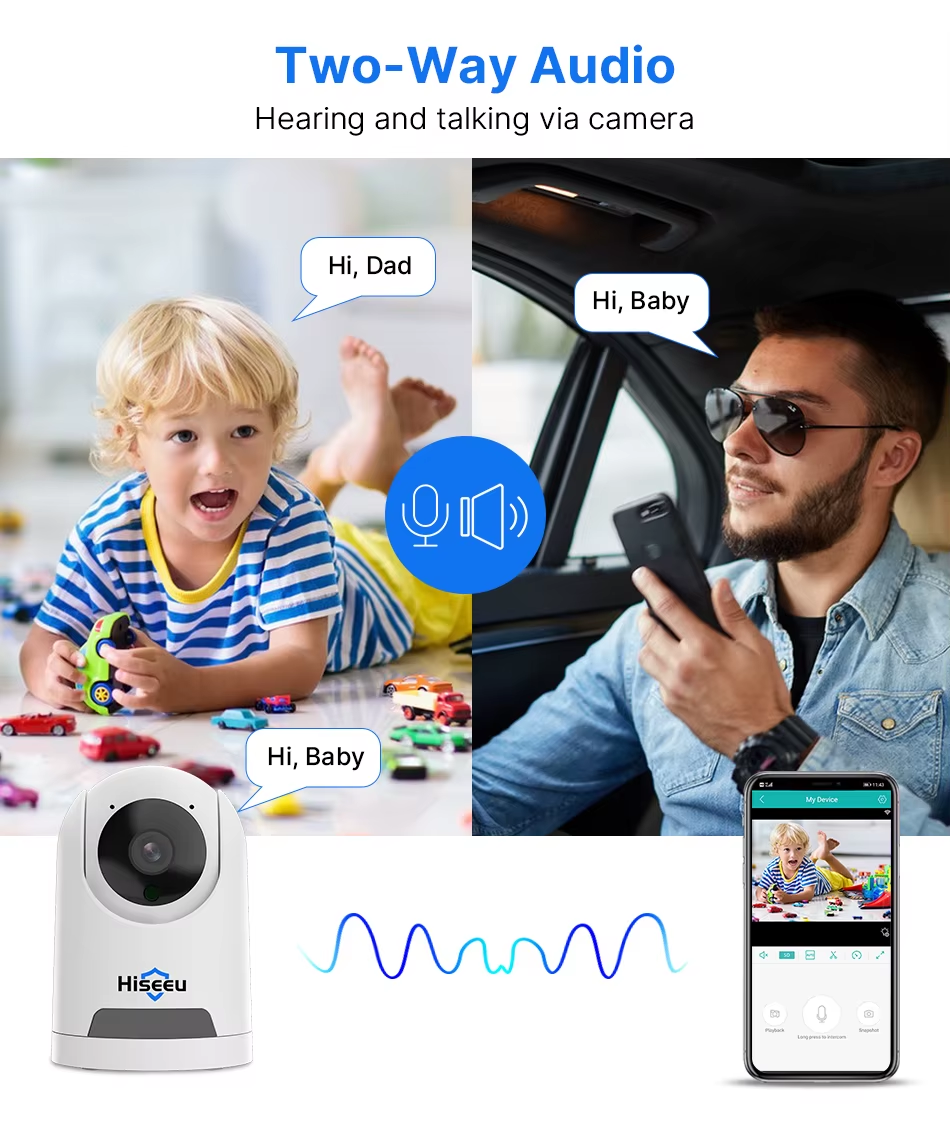
Audio Output: Two Way Audio
Power Consumption(W): 5W
Sensor: CMOS
Sensor Brand: Sony
Operating Temperature: -10°-60°
Shell Material: Plastic
Power Supply: Normal
Viewing Angle : 75°
Optical Zoom: other
Rechargeable Battery: none
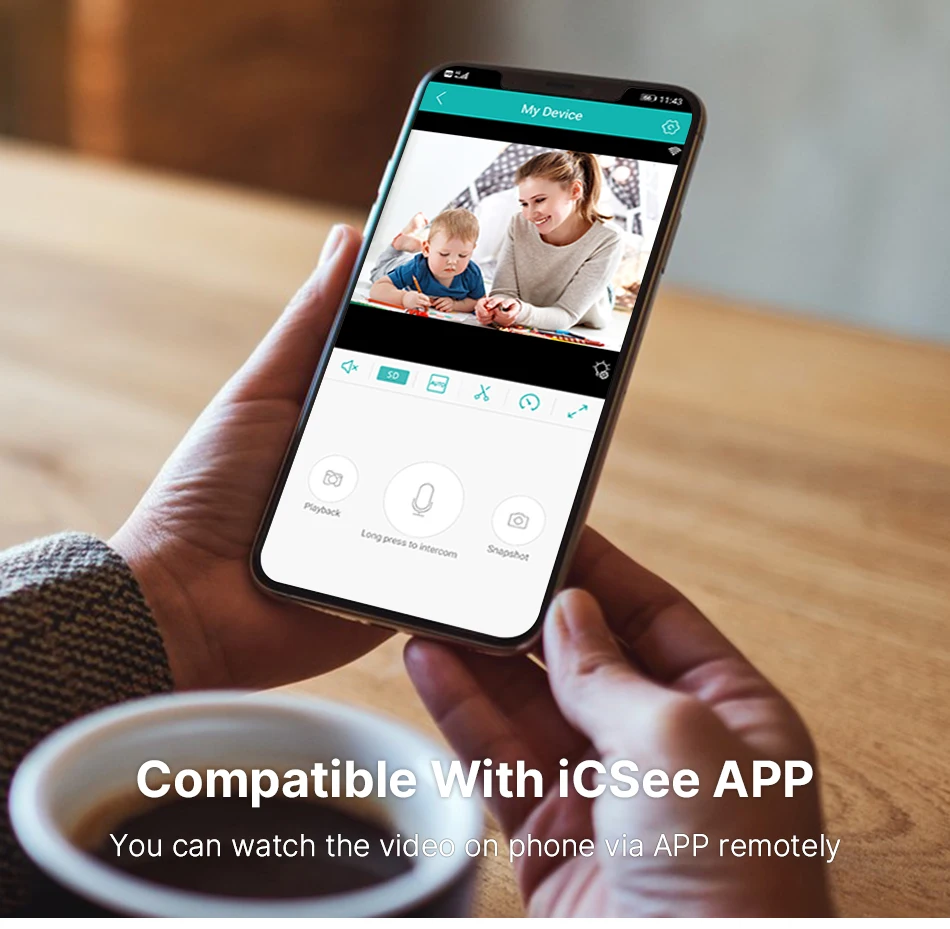
APP: ICsee
Camera Resolution: 720P/1080P/1536P CCTV Camera
IP Camera Resolution: 1MP/2MP/3MP IP Camera
Pan&Tilt: Horizontal:355° vertical: 110°
IR-Cut Video Camera: Night Vision up to 10m
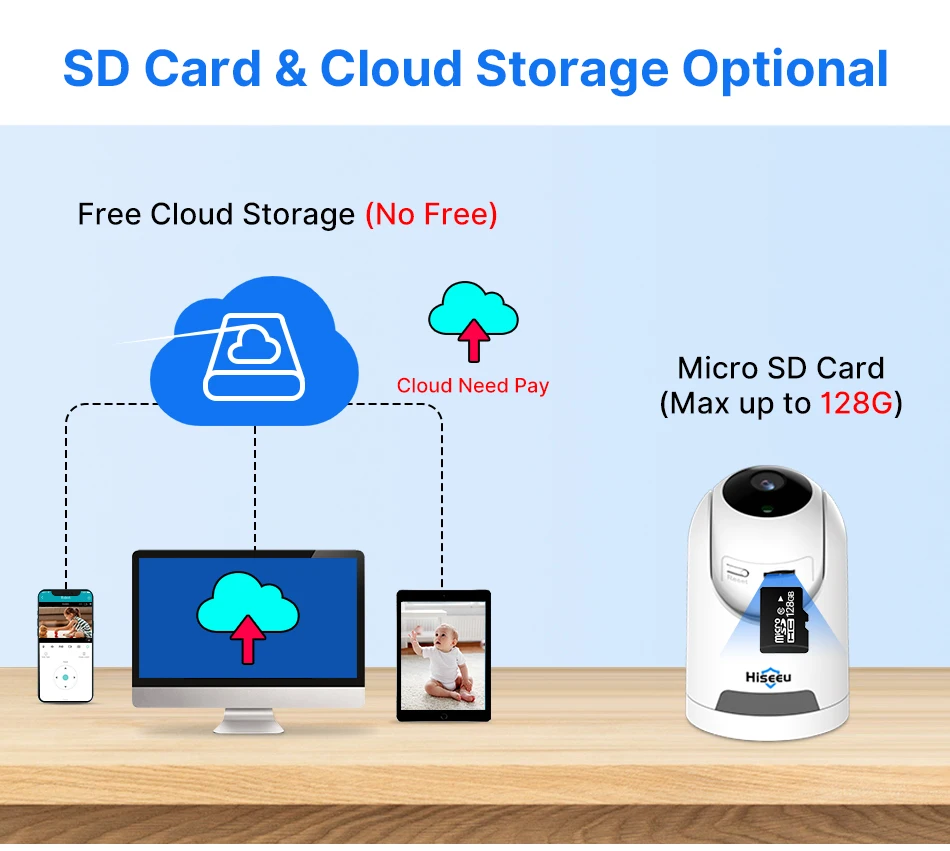
Storage card slot: Micro sd card 8/16/32/64Gb/128G
Wireless Camera: Wireless Network Camera IP
Display: HD/SD/LD
Package size: 150mm x 150mm x 150 (L*W*H)
Indoor Camera: Surveillance Cameras With WiFi
2.4Ghz WIFI Camera: IP Camera 2.4G WIFI ,Can not Support 5G WiFi
Application 1: Smart Home Security Camera
Application 2: Office Wifi Camera
Application 3: IP Camera Indoor
Application 4: Pet Camera
Application 5: Baby Camera
APP: Support ICsee APP ONLY
Pay Attention 2: Can not Support 5G WiFi
Phone System: Support IOS And Android
Choice: yes
semi_Choice: yes
ONLY SUPPORTing 2.4G IP WIFI,CAN NO SUPPORT for 5G WIFI RoUTER
2MP NO Card =1pcs 2MP Camera without SD Card
2MP 64G Card =1pcs 2MP Camera and 1pcs 64GB SD Card
FAQ
Q1: What should I do if the device is connected but cannot talk?
A: In the lower left corner of the APP monitoring screen, click the «horn» button, and press and hold the «microphone» button to speak, you can release the «microphone» button after speaking;
Q2: What should I do when the SD card cannot be recognized?
A: Please turn off the power of the camera, then insert the card first, and then reconnect the wifi after power on (it is wrong to insert the card after connection);
Q3. How to view the pictures in the SD card on the computer?
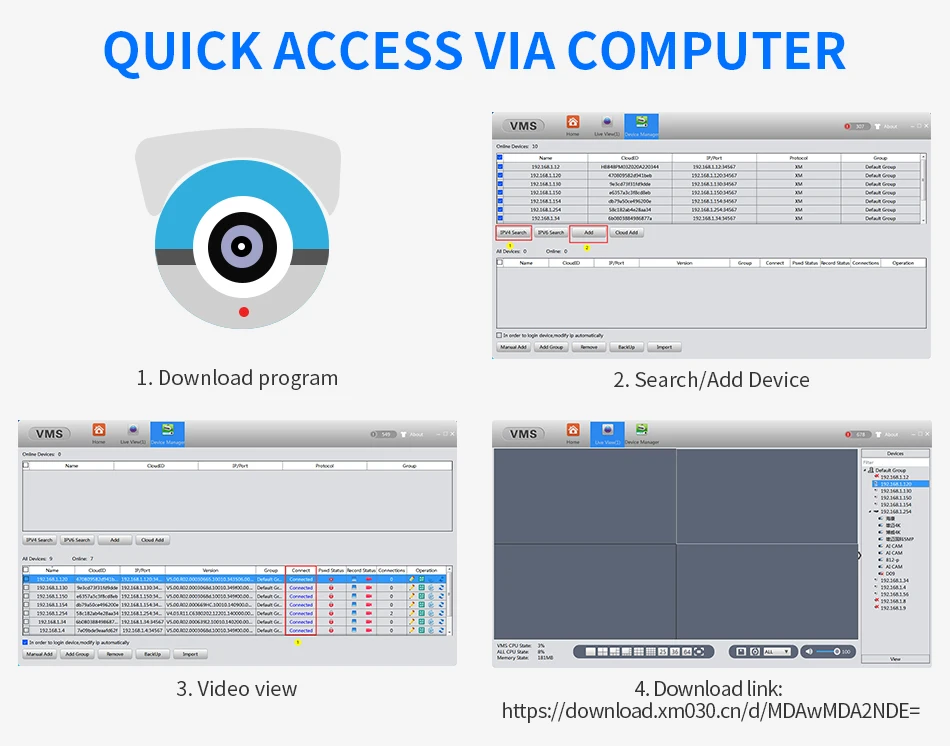
A: 1. Please download the «DISKPLAYER» player, (https://download.xm030.cn/d/MDAwMDE0MDM=)
2. Insert the SD card into the computer, and then open the «DISKPLAYER» player, you can view pictures and videos,
Note: Do not format the SD card;
Q4: Does it support wifi 5g? ? ?
A: 5G WIFI is not supported, now it supports 2.4G WIFI;
Q5: How to set the app alarm picture reminder?
A: In the upper right corner of the APP monitoring screen, click Settings-Smart Alarm-«Enable» and click «Report»;
Q6: How to set up «Auto Tracking»?
A: In the upper left corner of the functional area of the APP monitoring screen, click «Mobile Tracking», and click the «On/Off» button;
Q7: How to set the APP monitoring screen flip (up/down/left/right)?
A: In the upper right corner of the APP monitoring screen, click Settings-Basic Settings-«Picture left and right flip» / «Picture up and down translation»;
Q8: How to set the lights?
A: Please open the APP, find «Lighting» – Settings, there are three modes to choose from;
Q9: What should I do if I cannot connect to the camera?
A: Please check the connection steps and connection video in the detailed introduction
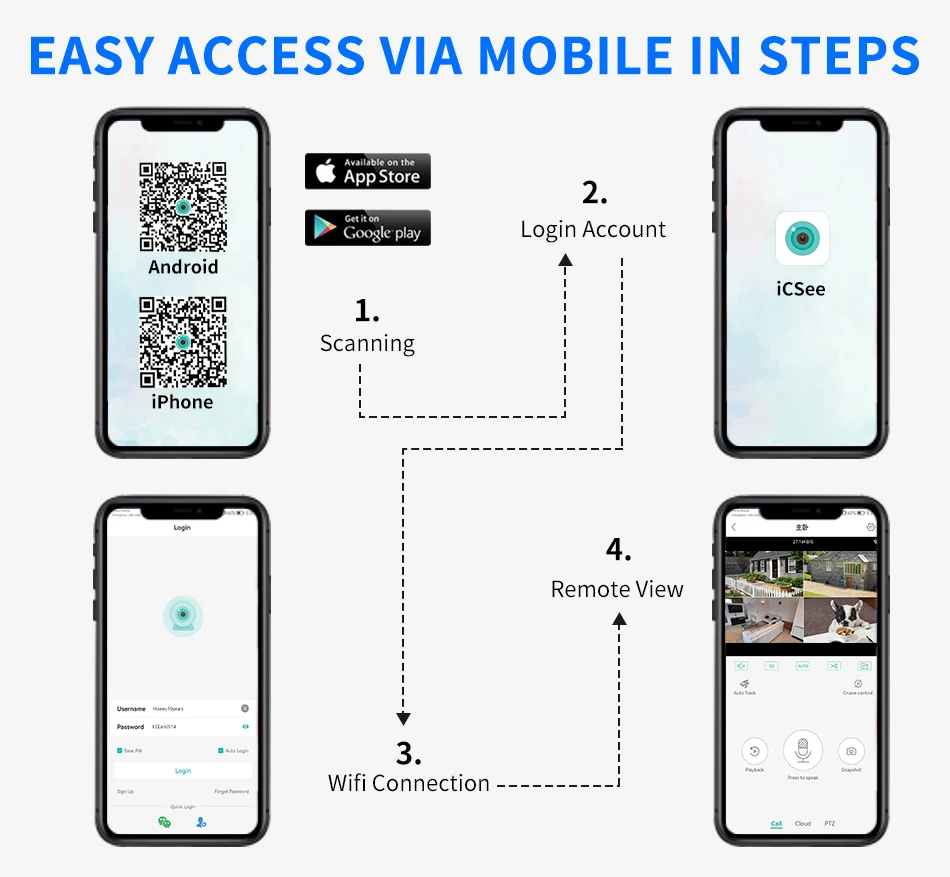
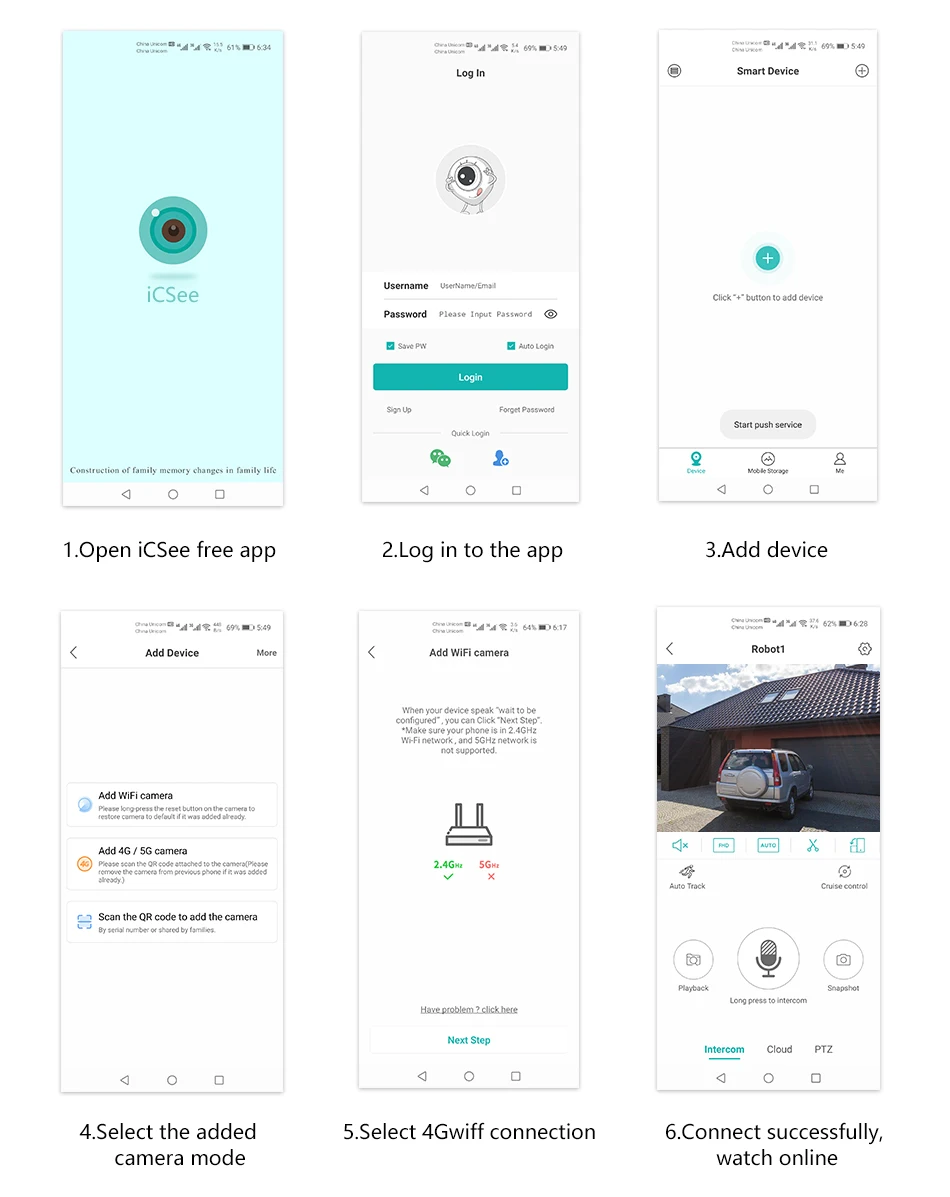
Specific connection steps:
1. Connect the mobile phone to the router WIFI; press and hold the device restart button for 6-8 seconds, and release it after hearing the prompt tone to make the device in the initial state;
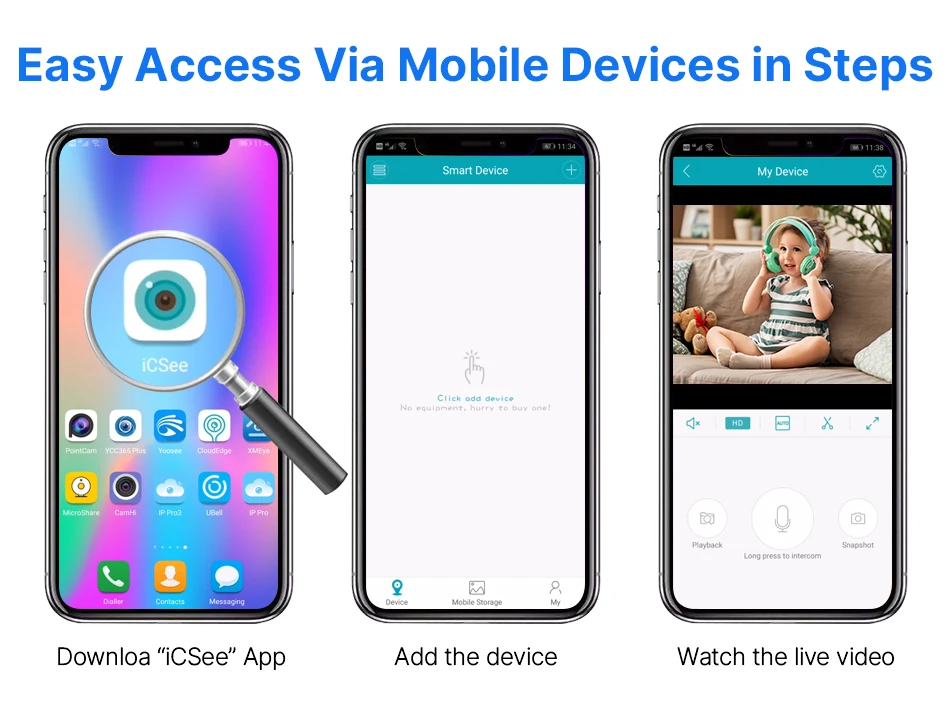
2. Download the «ICSEE» APP, register an account and log in;
3. Click «+» in ICSEE APP, click «WIFI camera»; click «Next» twice;
4. Enter your router account number and password (usually entered automatically) on the router settings page, click OK, and turn off the mobile data traffic of your phone card (not turn off WIFI);
5. Open the mobile phone QR code and click «Next»;
6. Enter the network configuration page and the QR code appears, please display the QR code 10-20 cm in front of the lens. Hear the prompt tone «The QR code is scanning the system», and then wait for the matching network for 180 seconds;
7. When you hear «connection succeeded», the connection is successful, and set the device password and save it, click Next, turn on the camera, and it is successful.
Q10: What should I do if I have encountered other problems?
A: Please find our order in ALIEXPRESS APP, click to contact the seller, we will reply within 24 hours (secret: customer service will reply quickly at 16:00-18:00 Beijing time)









Rezensionen
Es gibt noch keine Rezensionen.